Steps 1: Open your browser and go to https://hubcloud.ray.life/sessions/signin , then enter your username and password to sign in.

Steps 2: Navigate to the Rays section, enter the MAC address, and click Apply. The details are displayed, but the device is not connected to the Internet (Before).
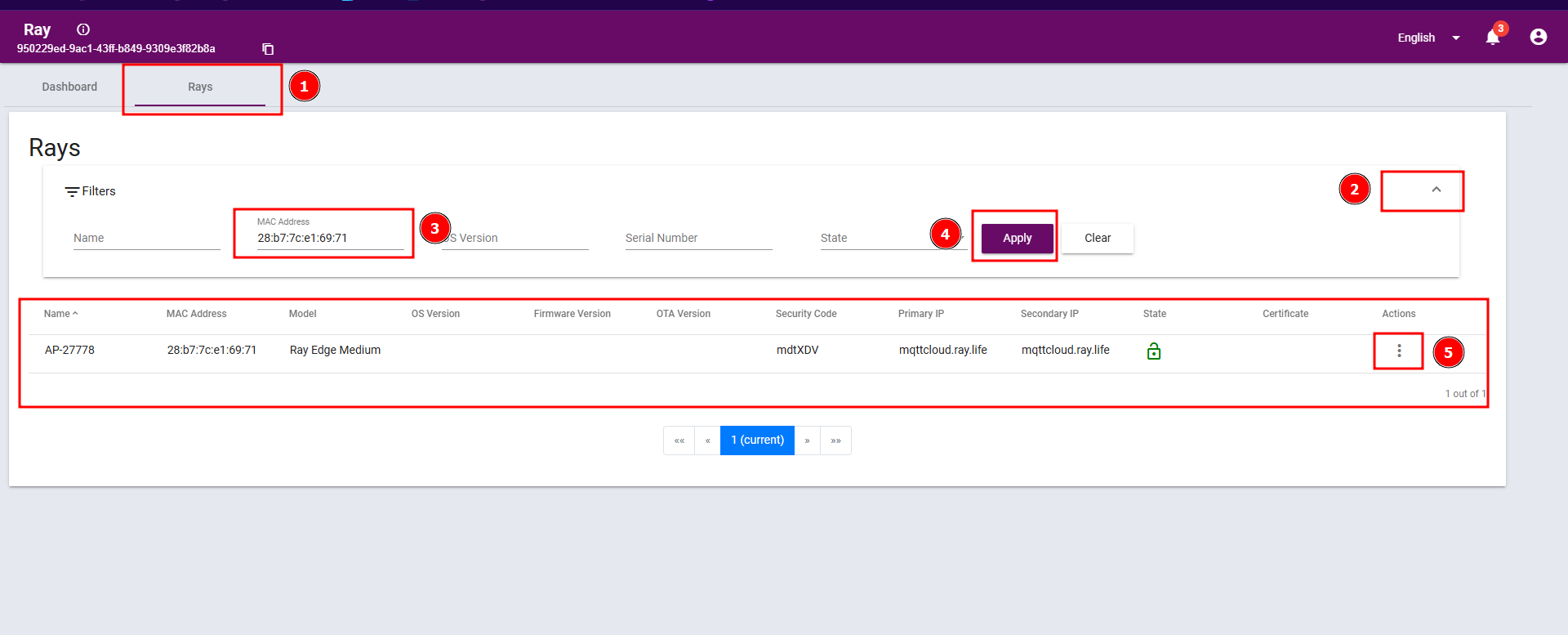
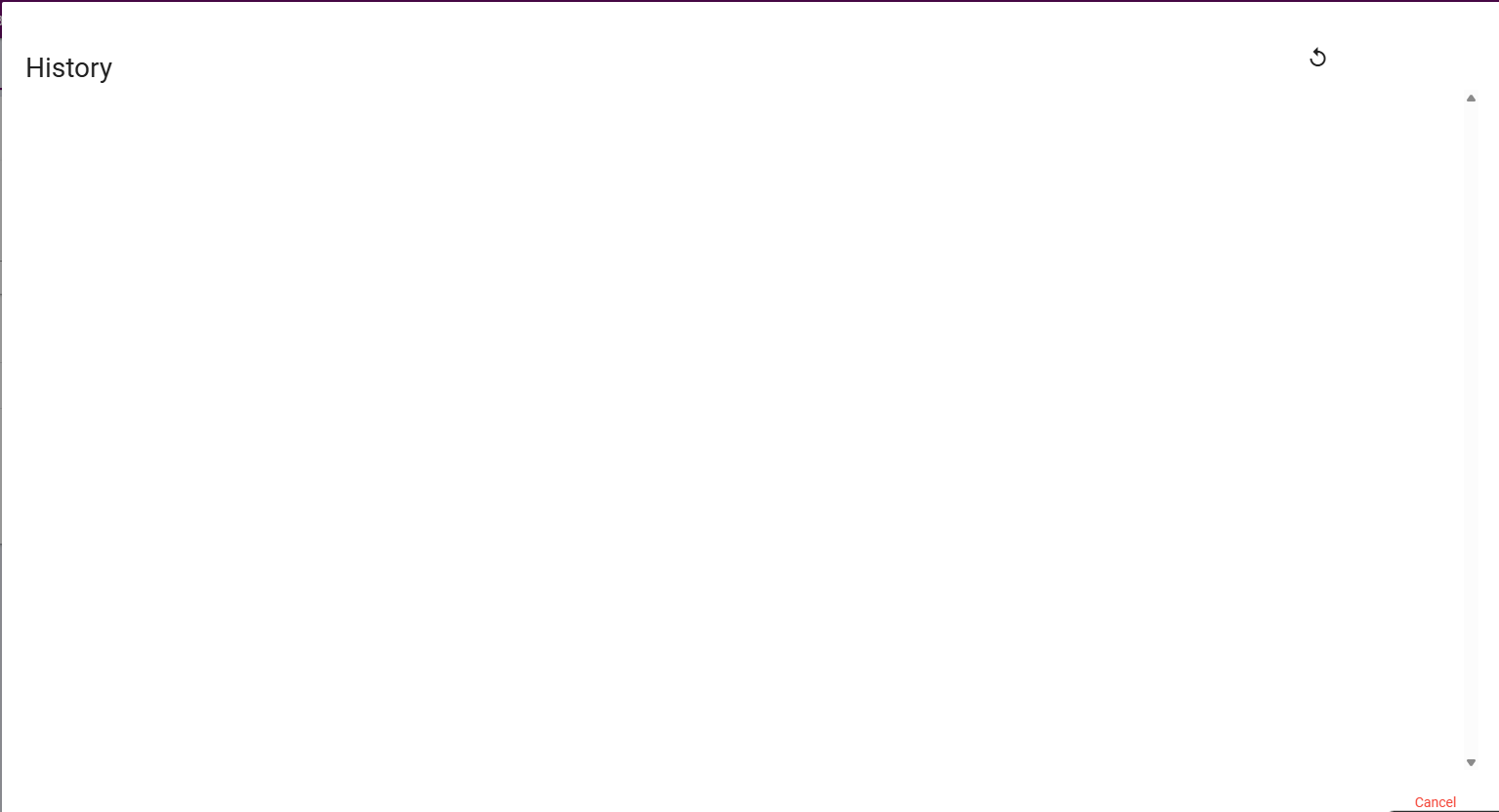
Now click the three-dot Action menu. Selecting View History shows that there is no history available.
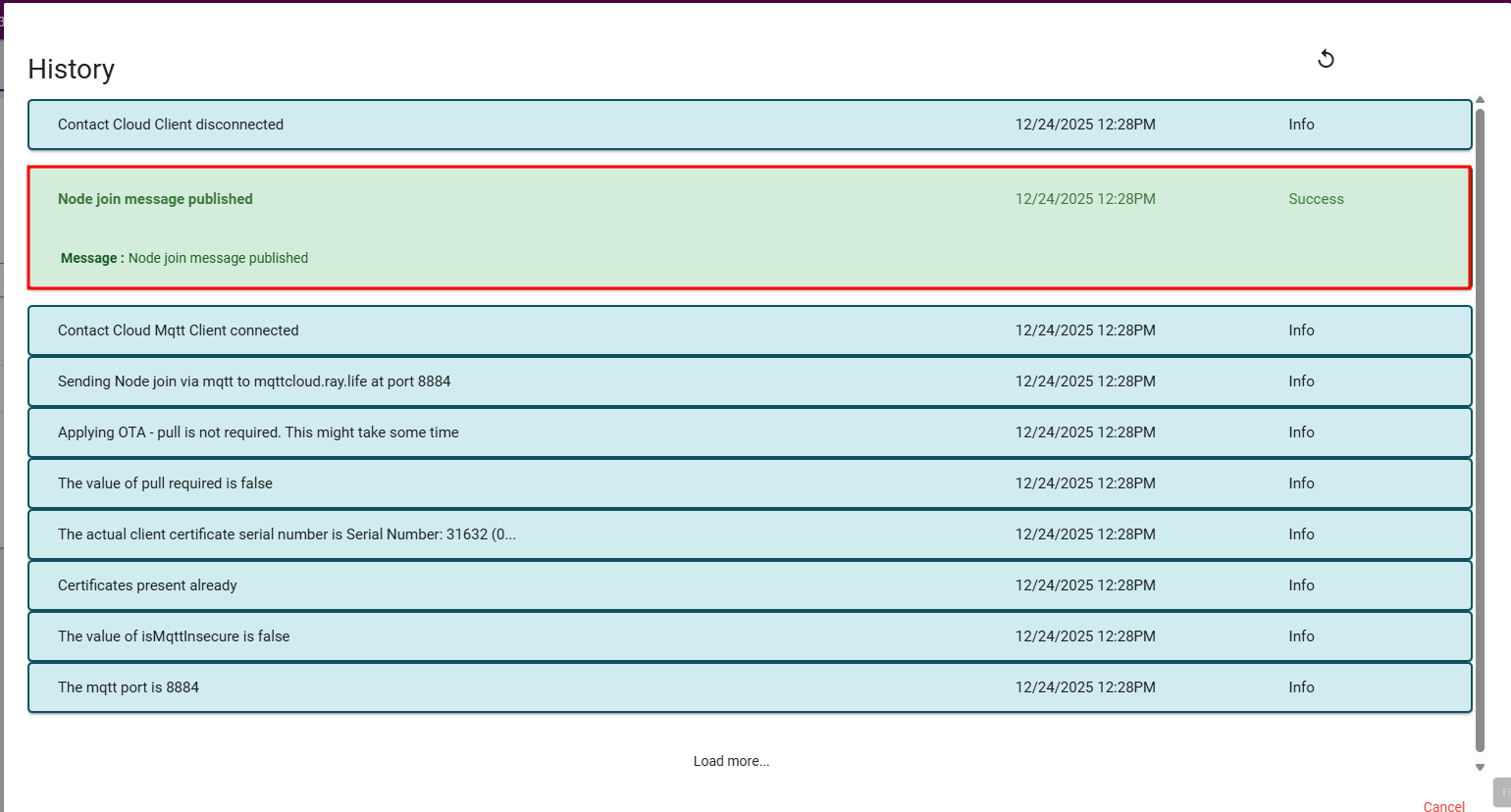
Steps 3: The details are displayed, but the device is connected to the Internet (After).
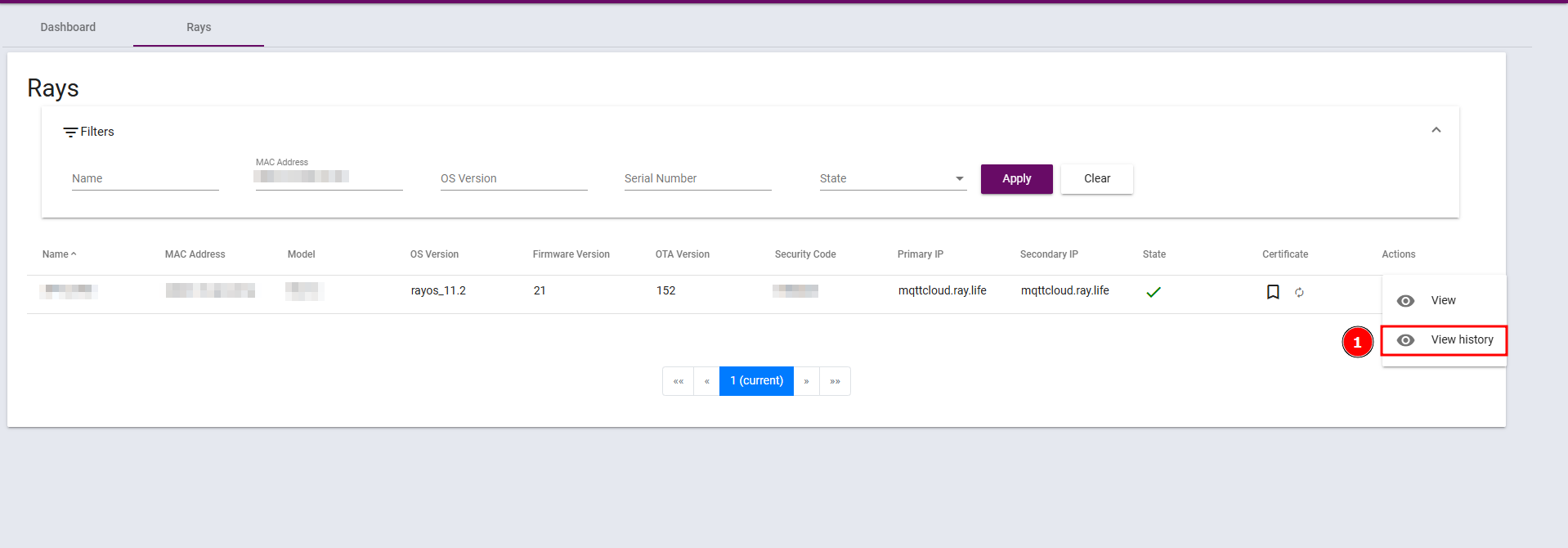
After connecting to the Internet, click the three-dot Action menu. Selecting View History shows the message “Node join message published”, indicating success.