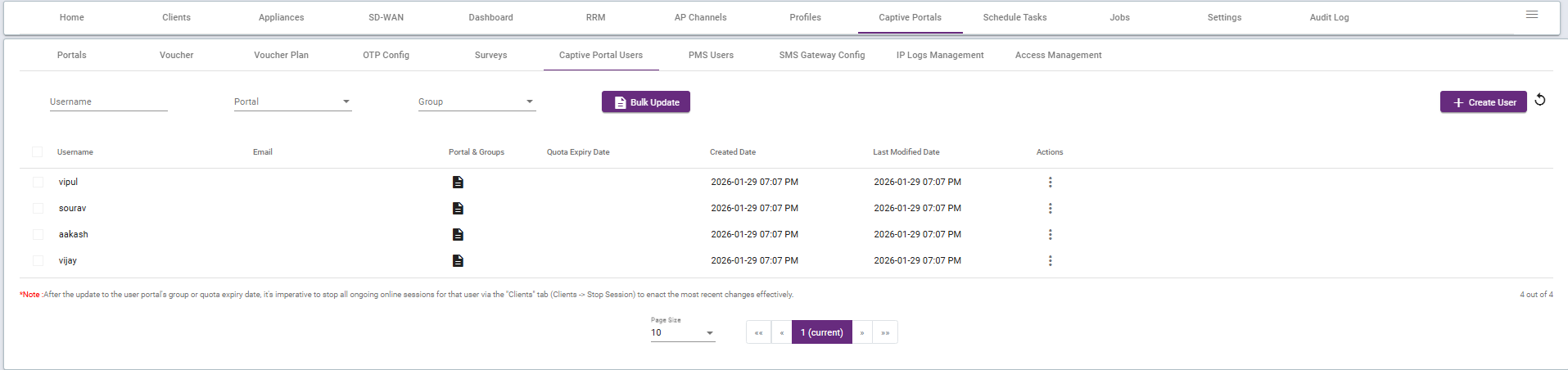
Bulk upload in a captive portal basically means uploading a bunch of files or data all at once instead of one by one.
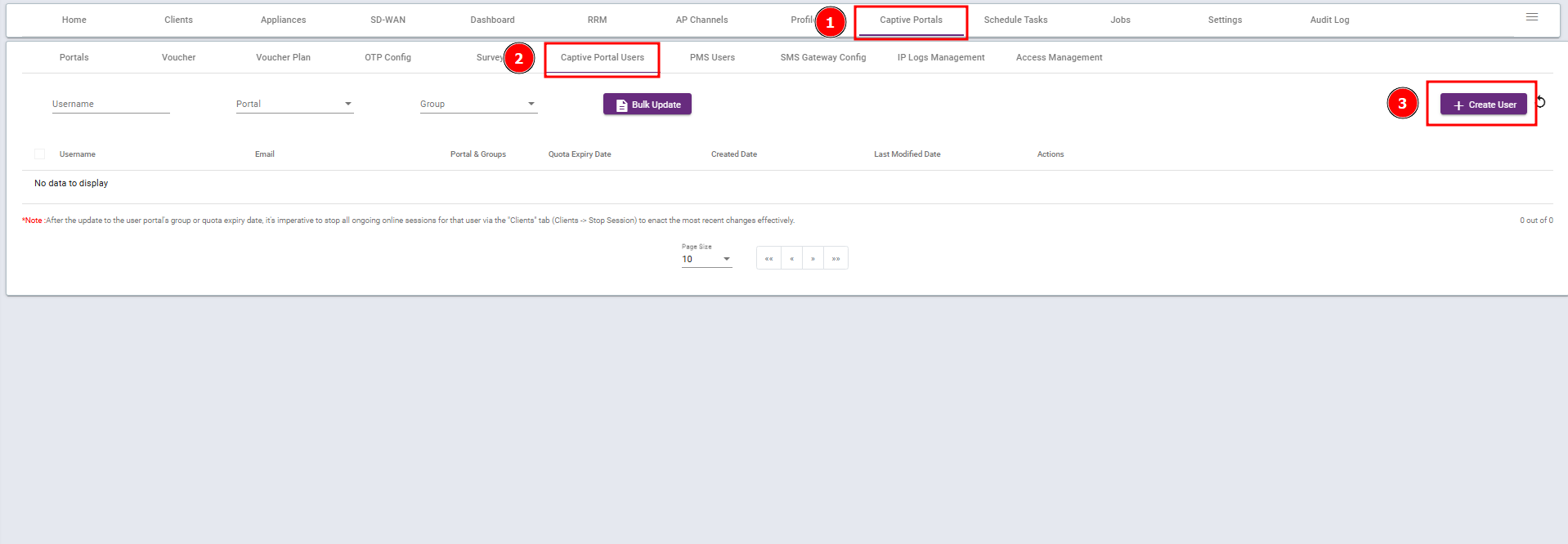
Step 1: Go to Captive portal,Select captive portal users and Create User
Step 2: Click here to download the sample file. 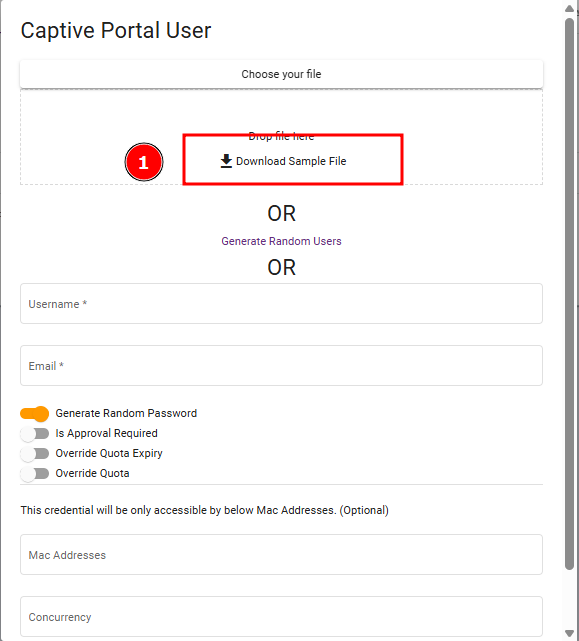
Step 3 : Open the sample file and update it according to your requirements.
Depending on how you want the user to set their password:
- Preset password: Fill in the Username and Password columns only.
- User sets password via email: Fill in the Username and Email columns only.
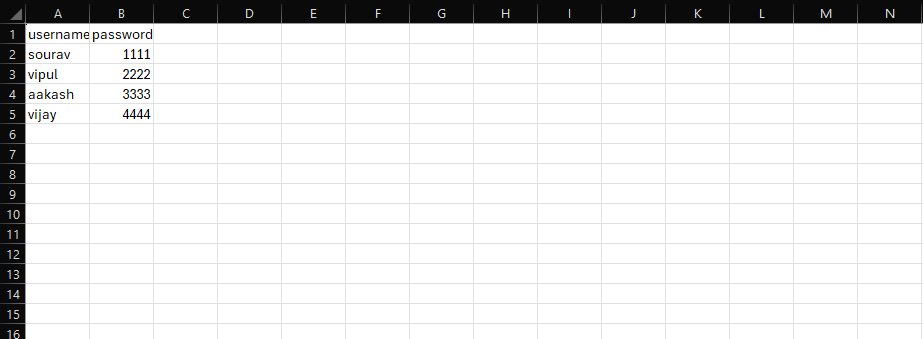
Note: Remove columns with headings that are not needed according to your requirements.
Step 4 : After filling the necessary details save the file and upload that file in the captive portal page by clicking choose your file.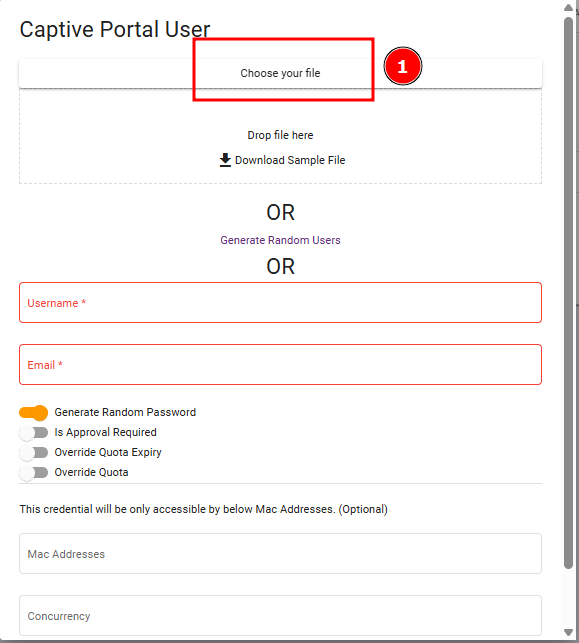
(Note: Do not fill any other field other than those mentioned above.)
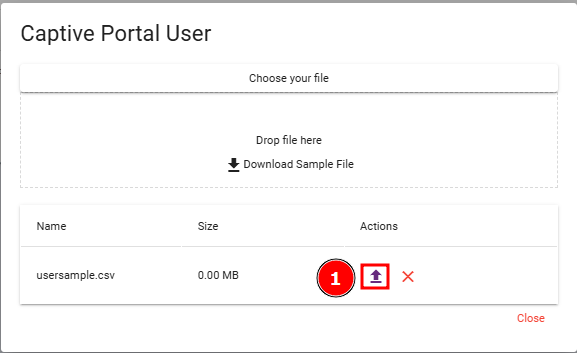
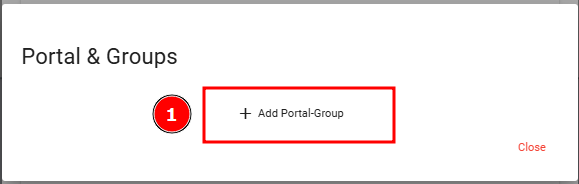
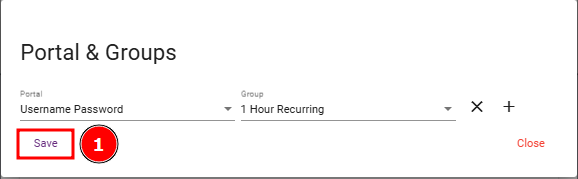
Step 5: Click Upload, add the Captive Portal Group, and then click Save.
The results are shown below for reference: